Your life, beautifully organized.
Notion templates that make productivity feel personal. Instant download, forever yours.

Made for the dreamers who actually do
Zoe’s Shop started because I wanted a planner that felt like me — soft, inspiring, and actually useful. Not the corporate spreadsheets or the overwhelming dashboards. Just a simple, beautiful space to track goals, plan content, and keep life from slipping through the cracks.
Every template is designed with real workflows in mind. No fluff, no clutter. You’ll find dashboards for content planning, client management, goal setting, and daily journaling — all wrapped in palettes that make you actually want to open Notion. Instant delivery, lifetime access, and updates whenever we refine something.
Made to be lived with
A small, considered selection — chosen slowly, kept simple.

Content Planner Dashboard
Stop scrambling for post ideas. This Notion dashboard gives you a bird's-eye view of your content calendar, with drag-and-drop scheduling and a built-in idea bank. You'll reclaim hours each week and publish with confidence.
$1.00
Dream Client CRM
Turn your client relationships into a breeze. This CRM tracks leads, projects, and follow-ups in one beautiful place. You'll never miss a message or a deadline again.
$2.00
Goal Setter Workbook
Turn your big dreams into actionable steps. This digital workbook guides you through setting quarterly goals, tracking habits, and celebrating wins. You'll feel motivated and focused every single day.
$3.00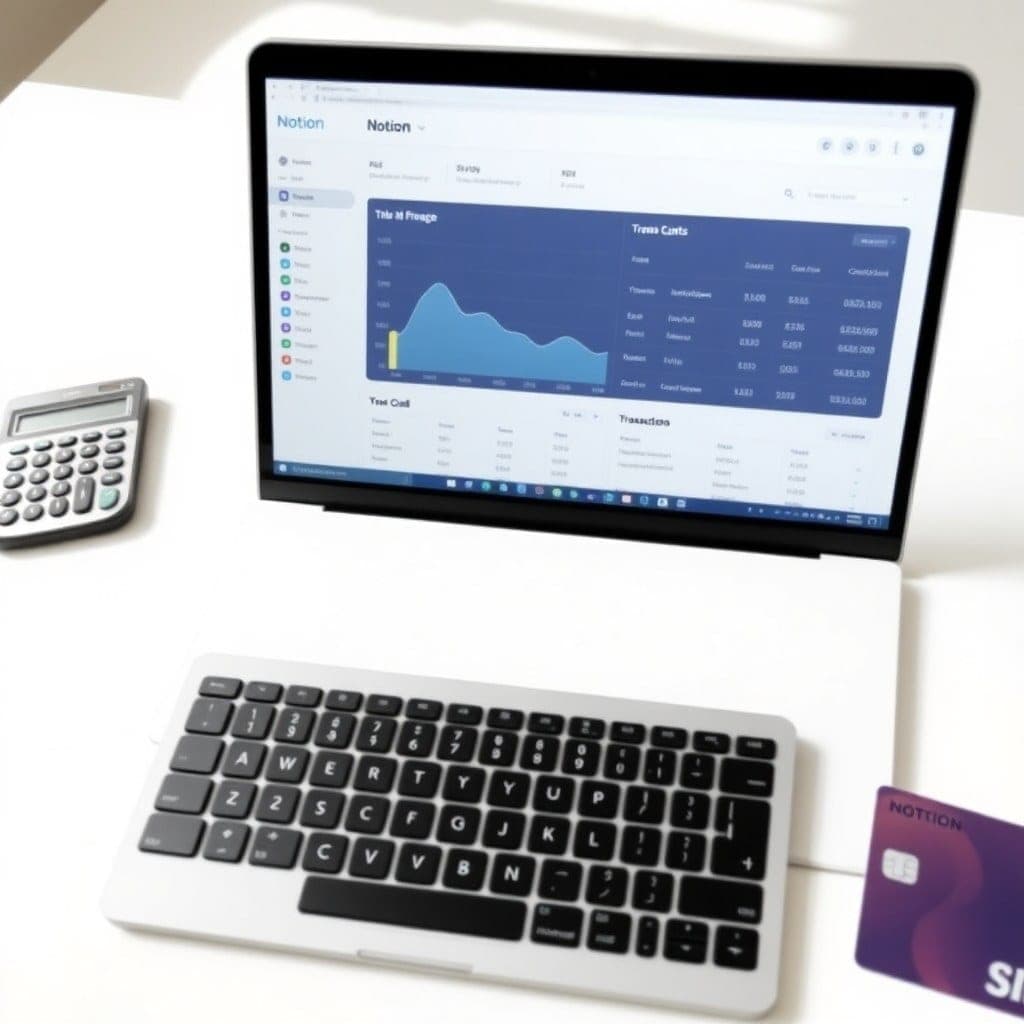
Finance Tracker Template
Get a clear picture of your money in minutes. This template logs income, expenses, and savings with automated summaries. You'll finally know where your dollars are going without the headache.
$4.00
Project Management Hub
Keep all your projects in one place and never drop the ball. This hub includes timelines, task lists, and team collaboration. You'll breeze through projects with less stress and more done.
$5.00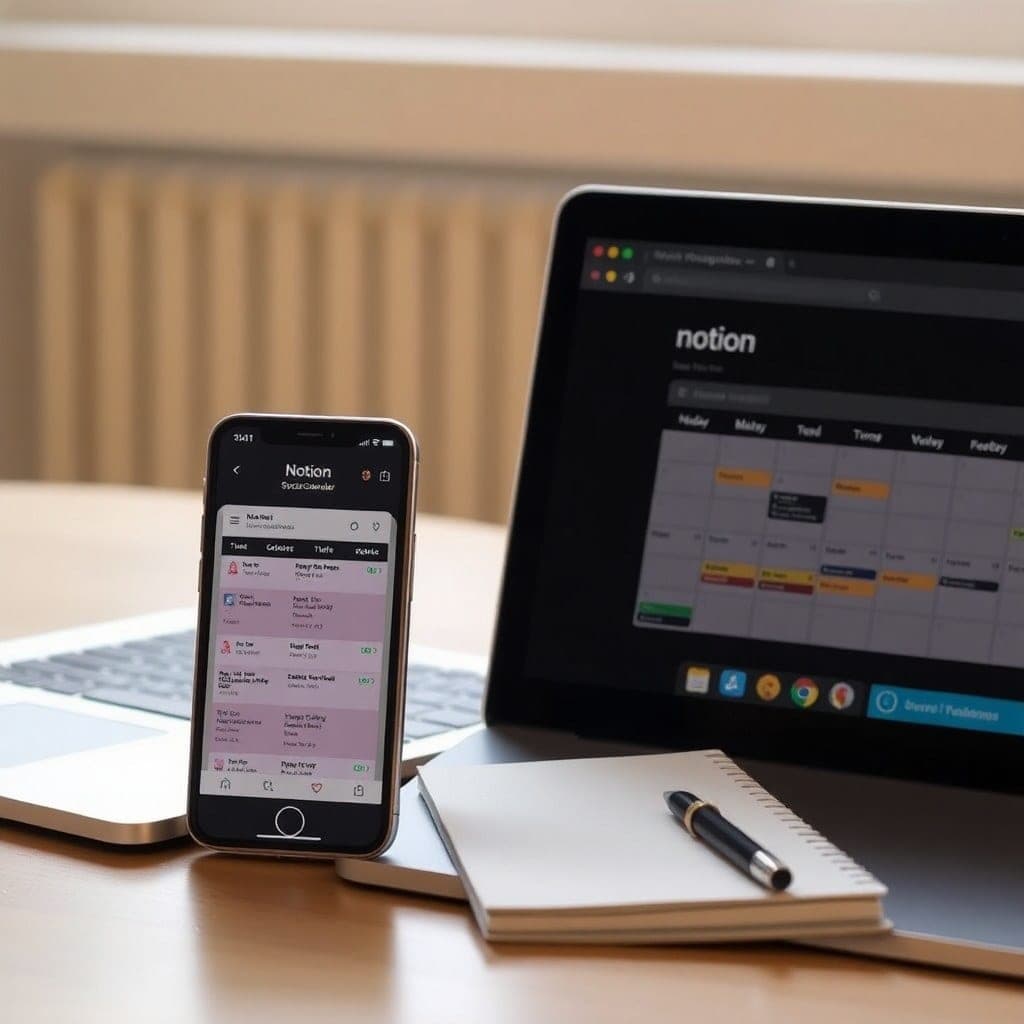
Social Media Scheduler
Plan, write, and schedule your posts in half the time. This template comes with a content bank and automated reminders. You'll stay consistent without the overwhelm.
$8.00
Weekly Review System
End each week feeling accomplished and aligned. This system prompts you to reflect, reset, and plan your next week in under 30 minutes. You'll start Mondays with clarity and calm.
$9.00$7.00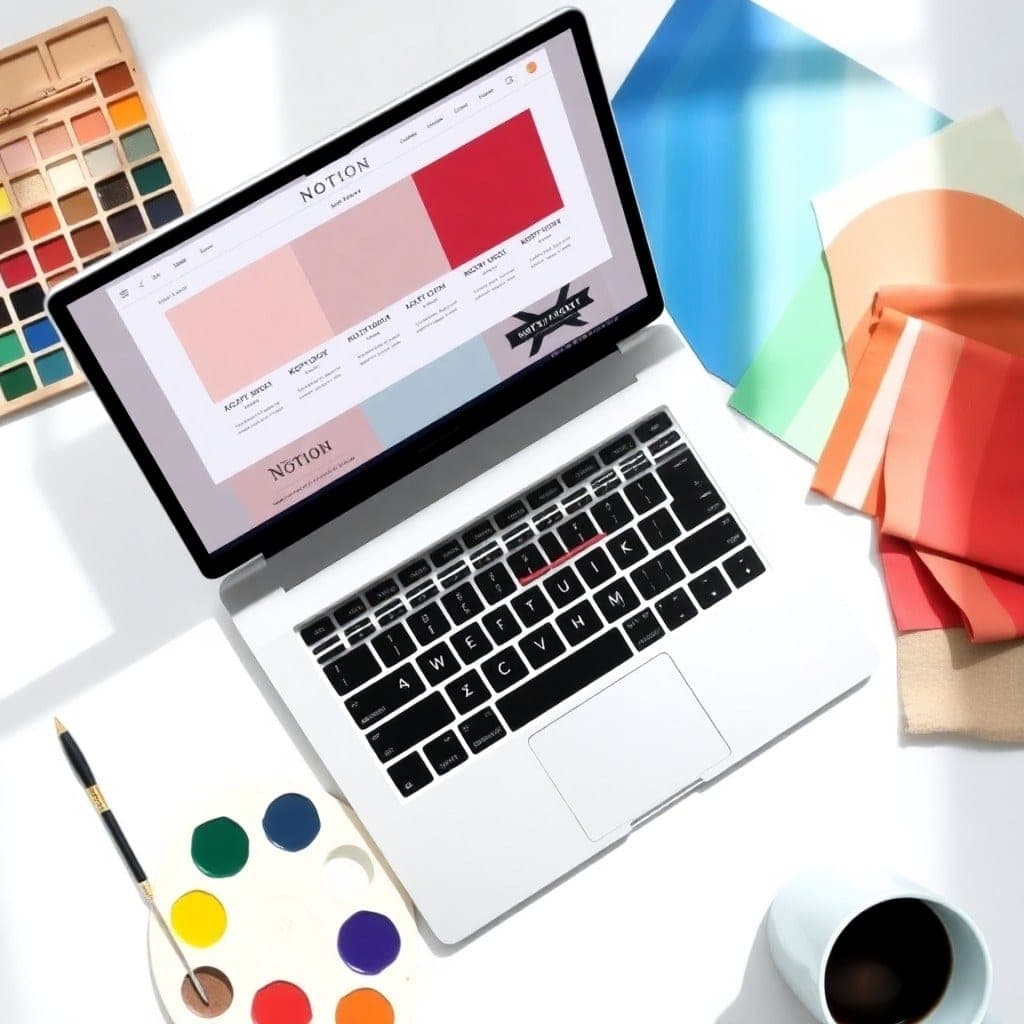
Brand Bundle Kit
Your brand identity, organized. This kit includes a mood board, color palette tracker, font library, and brand guidelines template. You'll create cohesive content that feels effortlessly you.
$10.00From a quiet community
I used to juggle three different apps for content planning. Zoe’s content dashboard saved me 5 hours a week — and my feed has never looked this cohesive.
The goal tracker helped me actually follow through on my quarterly objectives for the first time. I hit 80% of my targets, and it felt amazing to check them off.
I bought the client manager template when I was onboarding my 10th client. It kept everything organized and professional. My clients noticed the difference.
I’ve tried so many Notion templates, but Zoe’s are the only ones that stuck. The aesthetic makes me want to plan, and the structure actually works.
Questions, gently answered
How do I receive my template after purchase?+
You’ll get an instant download link to a Notion template page. Click 'Duplicate' to add it to your workspace, and it’s yours forever.
What if I’m not happy with my template?+
We offer a 7-day refund. Just email us, and we’ll process it — no hard feelings.
Do I need a paid Notion plan to use these templates?+
Nope. The free plan works perfectly. You’ll be able to duplicate, edit, and use everything.
Will I get future updates to the template?+
Yes. When we update a template, you’ll get a notification in Notion. Re-duplicate to get the new version, or we’ll send instructions.
Can I use the template for my clients or business?+
Absolutely. Personal and commercial use is allowed. You just can’t resell the template itself.
What if I need help setting it up?+
Every template includes a setup guide inside Notion. If you’re stuck, just reply to your receipt email — we answer within 24 hours.
Latest writing
Notes, releases, and behind-the-scenes from the studio.
How to Set Up a Weekly Review Routine in Notion (That You’ll Actually Stick To)
A simple 4-step weekly review system using one of our free templates to keep your goals on track without the overwhelm.
Read post →Why I Switched from Trello to Notion for Client Work (And Never Looked Back)
After years of juggling Trello boards and Google Docs, I moved all client projects into Notion. Here’s what changed.
Read post →The Rise of Aesthetic Productivity Tools in 2024
Why more creators are choosing beautiful over bare-bones — and how it’s changing the way we work.
Read post →What’s New in Zoe’s Shop — March 2024
We just launched three new templates: a content calendar, a client portal, and a daily journal. Here’s what’s inside.
Read post →How I Organize My Whole Business in One Notion Dashboard
A behind-the-scenes look at my personal Notion setup — the database, the views, and the one trick that keeps me sane.
Read post →